
Sign in with Google
Get into WYP.chat with your Google account, with no password to remember.
Steps
- On the sign-in or sign-up page, click Continue with Google.
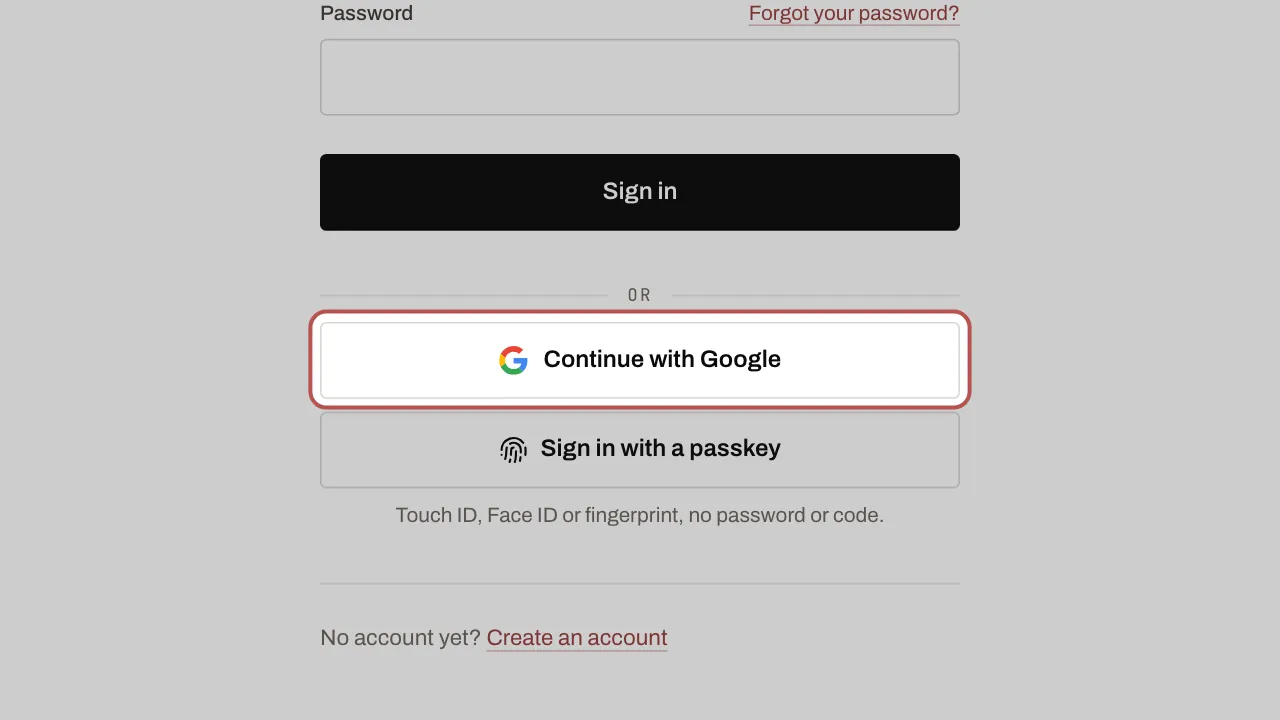
- Choose your Google account.
- If your account has two-factor authentication, then enter your 6-digit code: Google does not replace it. It is required for owners, administrators and supervisors.
Related articles
- Turn on two-factor authentication Two-factor authentication protects your account: as well as your password, a six-digit code is requested when you sign in.
- Connect Google Calendar, Meet and Contacts Connect your Google account to suggest meetings with a Google Meet link, see today’s meetings and import your Google contacts.