
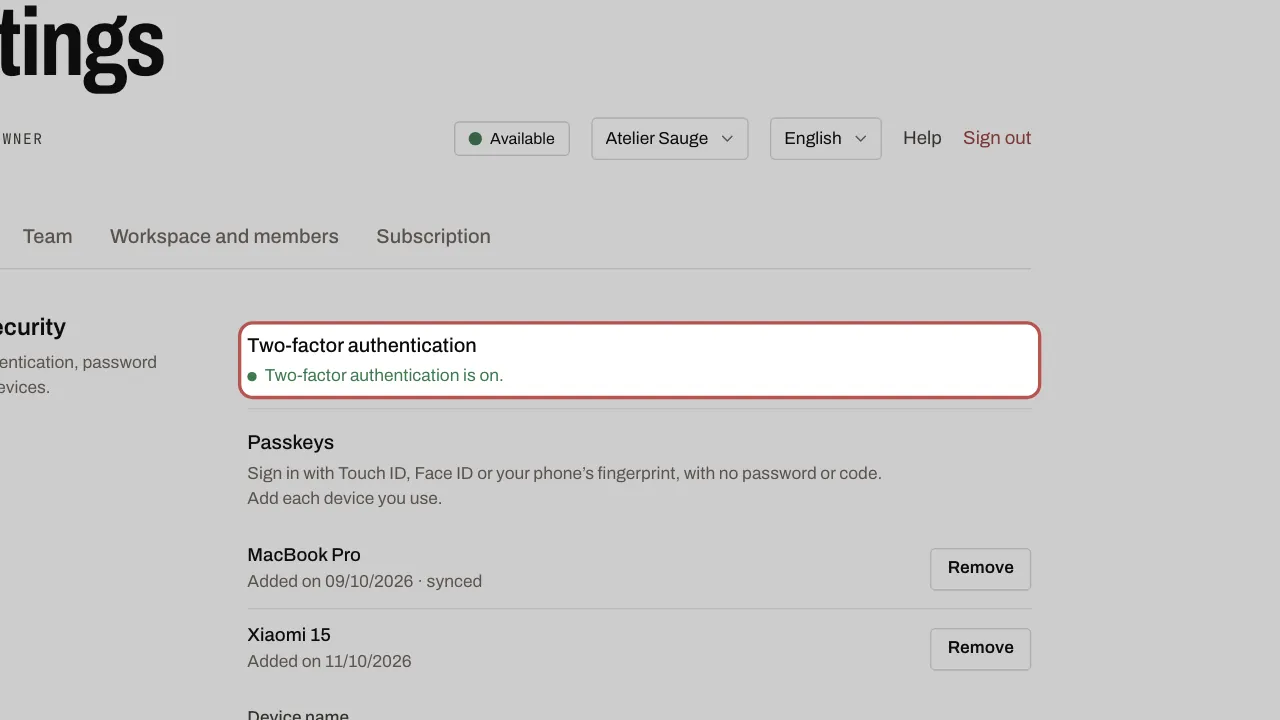
Turn on two-factor authentication
Two-factor authentication protects your account: as well as your password, a six-digit code is requested when you sign in.
Steps
- Open Settings, My account tab, Account security section.
- Click Turn on two-factor authentication. Confirm your password, then click Turn on.
- Scan the QR code with an authenticator app (Google Authenticator, 1Password…).
- On the same screen, save your backup codes somewhere safe: you will need them if you lose your phone, and they are not shown again.
- Enter the code shown by the app, then click Confirm.
Related articles
- Invite your team Add your colleagues to the workspace and give each one a role. Users are unlimited on every plan.
- Sign in with a passkey (Face ID, Touch ID) A passkey replaces your password and the 6-digit code: your face or your fingerprint is enough.