
Assign a conversation
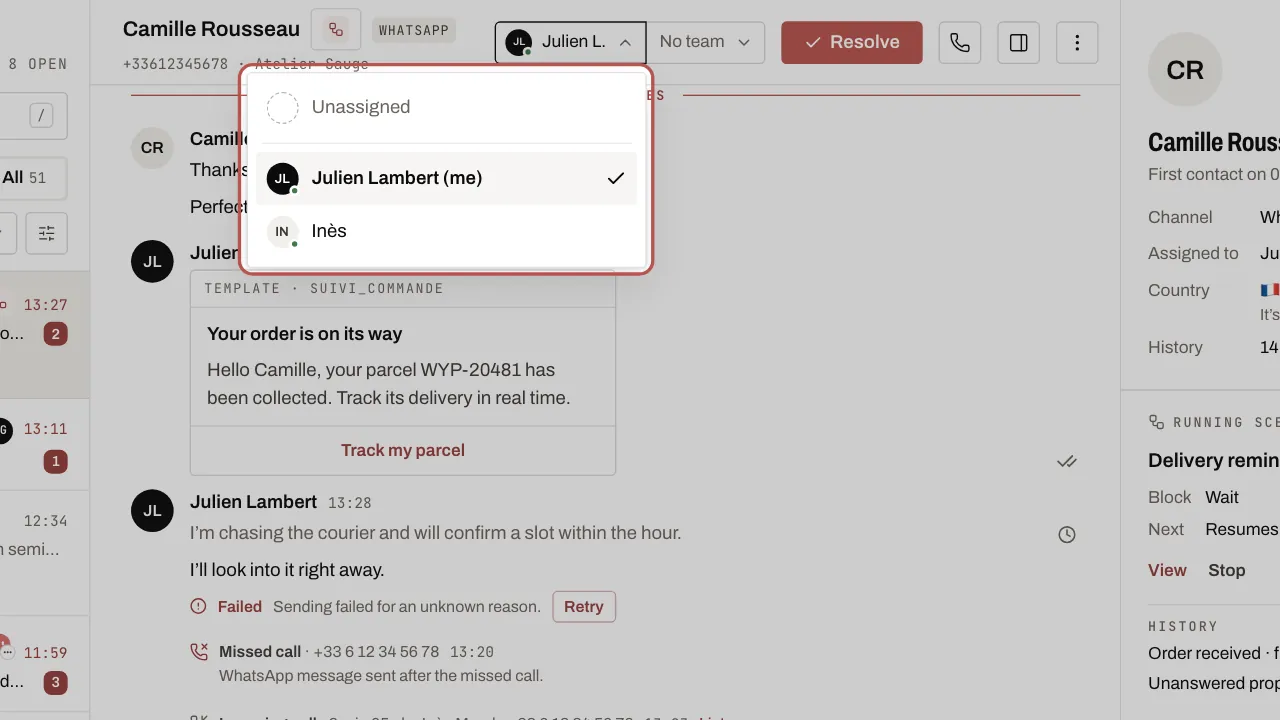
Assign each conversation to a person and a team: everyone knows who is replying.
Steps
- Open Messages in the menu, then the conversation.
- Click the assignment menu at the top of the thread, or press
A. On a phone, open the contact record: the menu is in the Assigned to section. - Choose the person. The team is set in the menu next to it.
Related articles
- Invite your team Add your colleagues to the workspace and give each one a role. Users are unlimited on every plan.
- Organise the team: teams, response times, quick replies, tags Teams share out the conversations, response times prevent anything being forgotten, and quick replies and tags save everyone time.