
Listen to and find voice messages
You can listen to your customers’ voice messages in the thread, at the speed you choose, and have them transcribed.
Steps
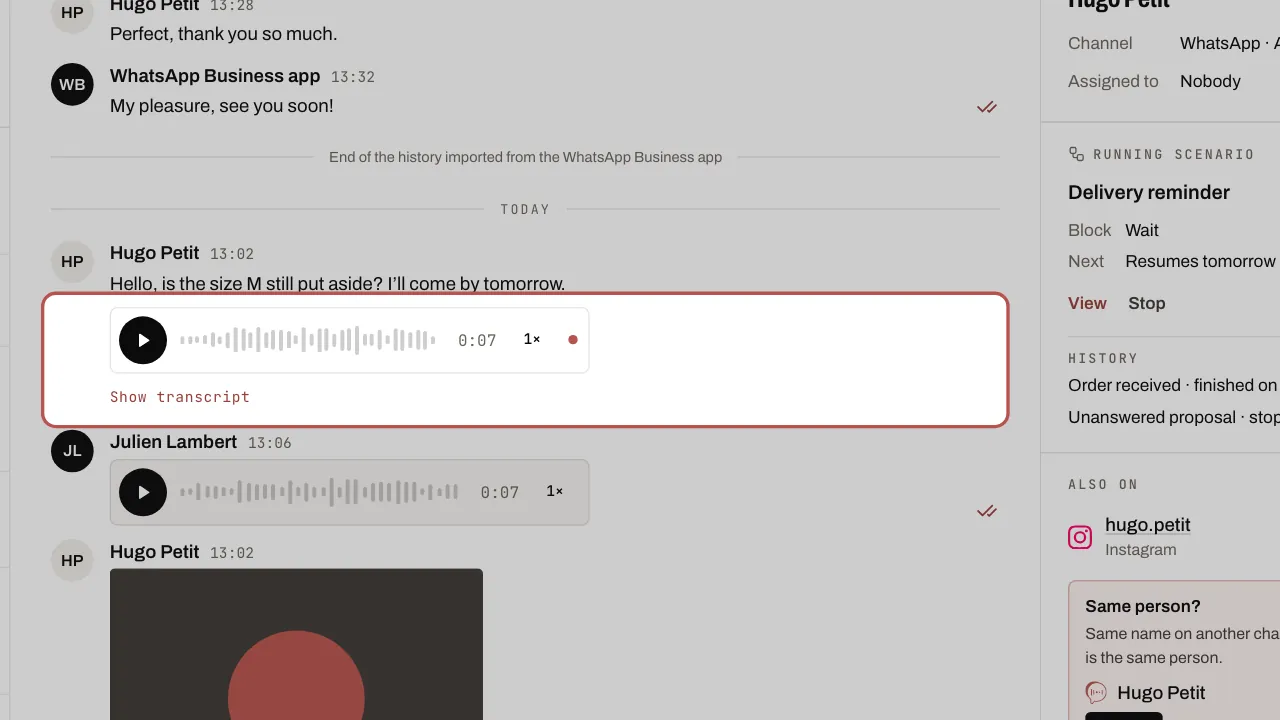
- Press play. Tap the waveform to skip ahead; on the keyboard, the arrow keys skip forward or back 5 seconds.
- Tap the 1× button to switch to 1.5× then 2×. Your speed is remembered for the next voice messages.
- Click Show transcript to read the voice message instead of listening to it.
- A right-click (or a long press on a phone) lets you download the voice message or copy its transcript.
Related articles
- Set up your AI agent: what it knows and where it replies Your AI agent is set up on a single page, Automation › AI agents, with four tabs: What it does, What it knows, How it replies and Where it replies.
- Let your AI agent reply with a voice message On WhatsApp, your AI agent can reply with a synthetic voice note: the setting, the voice per language, what stays in text and what it costs.